The short version
- What's changing: Java Edition is replacing OpenGL with Vulkan as its graphics API. OpenGL will be removed later, with notice.
- Where it stands: optional in 26.2 and 26.3. In the 26.4 snapshots, Vulkan has become the default.
- Your PC: you need a GPU with Vulkan 1.2 support. Cards around ten years old may not have it.
- Your Mac: Vulkan runs through a translation layer to Metal. Apple has deprecated OpenGL, so this is the long-term route.
- Your mods: anything that draws with OpenGL, including Iris shaders, needs Prefer OpenGL for now.
- The setting: Options, Video Settings, Graphics API.
A graphics API is the layer a game uses to tell your graphics card what to draw. Minecraft Java has used OpenGL for its entire life. OpenGL is old, its drivers vary a lot between manufacturers, and Apple has stopped developing it on the Mac. Vulkan is its modern replacement, designed to give games more direct control over the GPU.
In February 2026 Mojang announced that Java Edition would move to Vulkan, as part of the work towards its Vibrant Visuals graphics on Java. The first experimental version shipped in 26.2 in June. In the 26.4 snapshots for the winter drop, Mojang started switching people over.
What Mojang has said
The announcement made a few clear points. Vulkan should bring "eventual performance gains" and fewer driver bugs. OpenGL is deprecated on macOS, and "in the future OpenGL will not run at all on macOS devices". OpenGL will stay in the game until Vulkan is stable, and Mojang will give notice before removing it. And one warning: "For players whose GPUs are 10 years old or more, Vulkan may not be supported."
Notice the word "eventual". Mojang hasn't promised that Vulkan will be faster on day one, and in early builds some players will find it slower or less stable than OpenGL on their hardware. That's why the setting exists.
How it's been rolled out
| Version | What Default does | Notes |
|---|---|---|
| 26.2 and 26.3 (current release) | Uses OpenGL | Vulkan is available as Prefer Vulkan (Experimental) |
| 26.4 Snapshot 1, 22 Sep | Same as Prefer Vulkan | The game stops switching API by itself after a crash at startup |
| 26.4 Snapshot 7, 3 Nov | Picks OpenGL or Vulkan at random each launch | A temporary test that Mojang says will be reverted |
Whichever option you pick, the game falls back to the other API if the first one can't start. The 26.4 snapshots also added an experimental "Prefer DXGI Present" option on Windows, which changes how finished frames reach the screen, and the launcher now gives the game up to 25% of your RAM, capped at 4 GB.
Will it run on your PC?
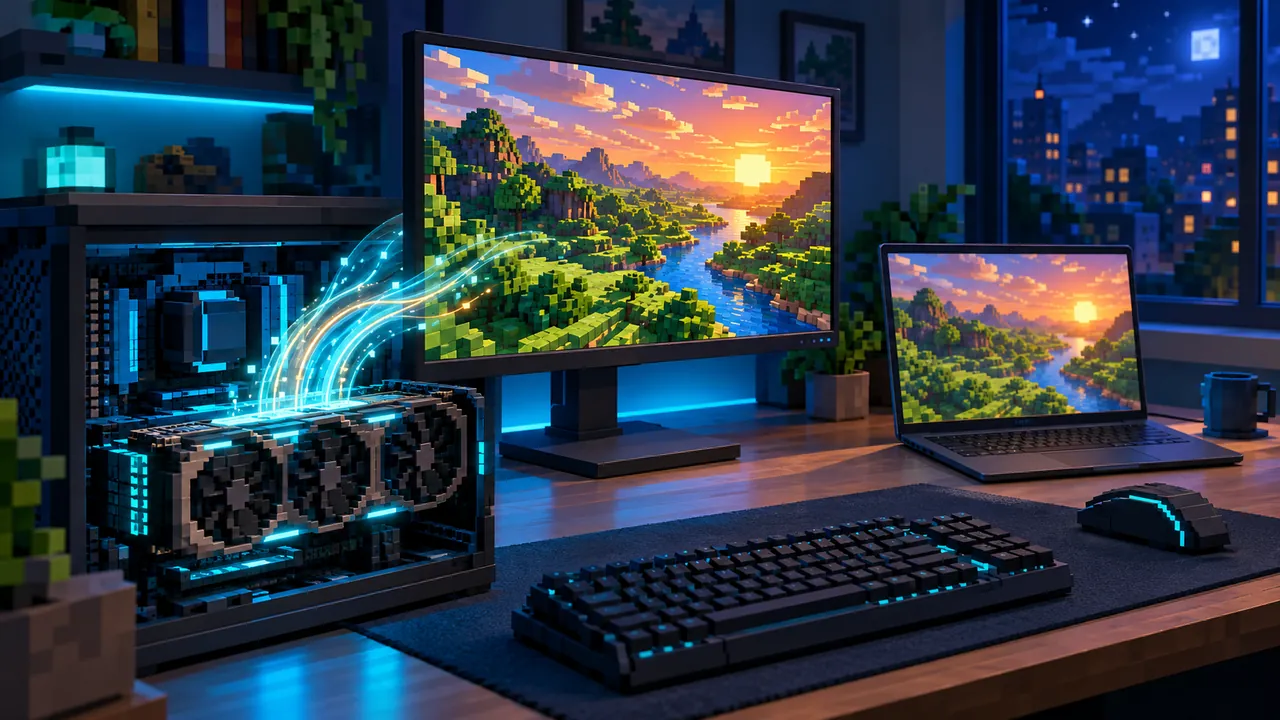
Minecraft's Vulkan renderer needs a GPU that supports Vulkan 1.2 with two specific features, dynamic rendering and push descriptors. Most graphics cards and integrated GPUs from the last several years have these, as long as the drivers are up to date. If a laptop has both integrated and dedicated graphics, Minecraft will prefer the dedicated one.
In July Mojang also published new system requirements for Java Edition, written with Vulkan in mind.
| Minimum (1080p, 30 FPS, Fast) | Recommended (1080p, 60 FPS, Fancy) | |
|---|---|---|
| Memory | 8 GB with a dedicated GPU, 12 GB with integrated graphics | 16 GB |
| Processor | 4 cores, such as Core i3-10100, Ryzen 3 3100, Snapdragon X or Apple M1 | Core i5-12400, Ryzen 5 5600 or Apple M2 Pro |
| Graphics | Vulkan 1.3 with 2 GB VRAM, such as GTX 950, RX 460, Arc A310, Intel graphics from a Core i5-6400 or Apple M1 | RTX 2060 class with 6 GB VRAM |
| System | 64-bit Windows, Linux or macOS 12 or later | Same |
These aren't a cut-off yet. Mojang says computers below the minimum should still launch the game for now, but "may struggle or fail to launch" in the future, and that includes older Intel Macs. If your card is close to ten years old, the best move is to try Prefer Vulkan in the snapshot now, while OpenGL is still there as a backup, rather than find out when it's gone.
How to check which API you're using
Open Options, then Video Settings, and look at Graphics API. The debug screen (F3) also shows the renderer in use, which is the quicker way to check what Default actually picked, especially in Snapshot 7 where it changes between launches.
What it means on a Mac
Macs don't support Vulkan directly. Minecraft uses MoltenVK, a translation layer that turns Vulkan calls into Metal, Apple's own graphics API. Mojang says this runs "without performance penalties". The bigger point for Mac players is that OpenGL has no future on macOS, so Vulkan is how Minecraft keeps working there. Apple Silicon Macs from the M1 up are listed in the minimum requirements. Older Intel Macs are the machines most at risk.
What it means for mods and shaders
This is where most players will feel the change. Many popular mods draw directly with OpenGL, and Mojang's own announcement says those will take more work to update.
- Iris and shader packs. Iris is built on OpenGL. Its own site lists Vulkan mods as incompatible. If shaders won't load or the game crashes with Iris installed, switch Graphics API to Prefer OpenGL.
- Sodium. The performance mod has started adding Vulkan support in its newer versions, but this is early. Check the version notes for your Minecraft version before relying on it.
- Other rendering mods. Anything that changes how the world is drawn, such as minimaps, entity culling or custom sky mods, may need an update. Mods that only change gameplay, like new items or mobs, aren't affected.
Modded players also tend to stay on older versions for a long time, and those will keep using OpenGL. The question only arrives when you update to a version where OpenGL has been removed, and Mojang hasn't said when that will be.
What to do now
- On a vanilla game with a recent GPU, nothing. Leave Graphics API on Default.
- If the game stutters or crashes on Vulkan, choose Prefer OpenGL and report the bug to Mojang. Reports are what get Vulkan stable before OpenGL goes.
- With shaders or rendering mods, choose Prefer OpenGL until your mods say they support Vulkan.
- Update your graphics drivers. Vulkan issues are often driver issues.
Sources
The rollout details come from Mojang's release notes for 26.2 and the 26.4 snapshots, the July 2026 Java system requirements, and Mojang's Vulkan announcement for Java Edition. Mod compatibility is from the mods' own pages and changes often. We haven't benchmarked Vulkan against OpenGL.
Frequently asked questions
Does Minecraft Java use Vulkan now?
In the current release, 26.3, Vulkan is an experimental option and the default is still OpenGL. In the 26.4 snapshots the Default setting started behaving like Prefer Vulkan, and in Snapshot 7 Mojang made Default pick OpenGL or Vulkan at random on each launch as a temporary test.
How do I switch Minecraft back to OpenGL?
Open Options, then Video Settings, and change Graphics API to Prefer OpenGL. The game will use OpenGL and fall back to Vulkan only if OpenGL fails.
Will Minecraft Java still run on my old graphics card?
If your card supports Vulkan 1.2 with the features Minecraft needs, yes. Mojang has warned that GPUs around ten years old or more may not support Vulkan. While OpenGL is still in the game you can keep using it, but Mojang plans to remove it once Vulkan is stable.
Does Vulkan work on Mac?
Yes, through MoltenVK, which translates Vulkan to Apple's Metal. Mojang says this works without a performance penalty. Apple has deprecated OpenGL on macOS, which is one of the reasons for the switch. The new requirements ask for macOS 12 or later.
Do Iris shaders work with Vulkan?
Not at the moment. Iris and most shader packs are built on OpenGL, so if shaders fail to load, set Graphics API to Prefer OpenGL. Mod support for Vulkan is still early and changes from version to version.
Facts in this article were checked against developer and store sources on 8 November 2026. Prices, versions and dates change, so confirm on the official page before you buy.