Minecart in short
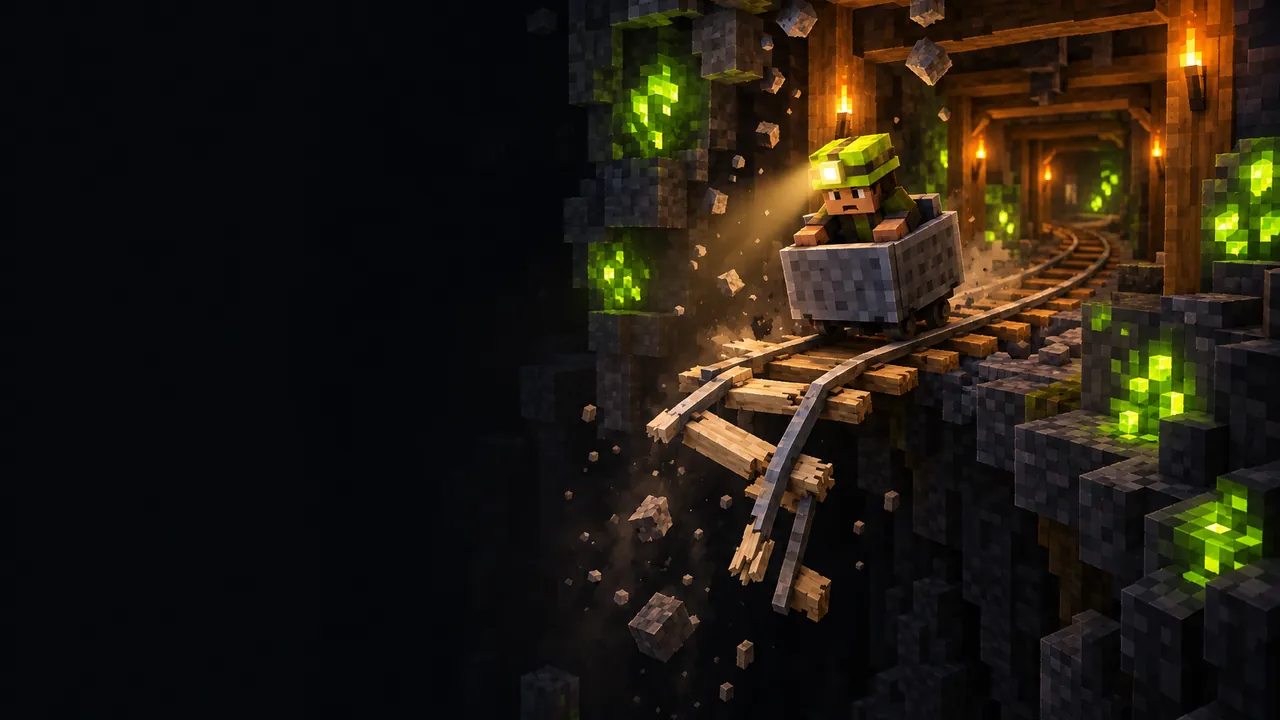
- A cart rolls through a voxel mine and keeps getting faster.
- Somewhere ahead the track is broken. Jump before you reach it.
- Your score is the distance at the moment you jump. Crash and the ride scores 0.
- Five daily rides, the same for every player, plus a free ride mode.
One button, one decision
Mine carts have been part of block games for as long as there have been tunnels to dig. Most of the fun of a minecart ride is the bit just before something goes wrong. Minecart keeps only that part. There is no steering and no braking. The cart starts slowly, picks up speed the whole way, and the only thing you control is when you leave it.
Each ride has a hidden break point. Most tracks break fairly early, a few run a long way, and the odd one goes on for hundreds of metres. You never know which kind you are on, so every ride turns into the same question: is this a good place to stop?
How to play
Press Ride today's track. After a short countdown the cart sets off. Tap the Jump button, click the track or press Space to bail out. The distance on the counter when you jump is your score for that ride.
If you stay on until the cart reaches the break, it goes over the edge and the ride scores nothing. Either way, the game then shows you where the track would have given out, so you can see how much distance you left behind or how close you cut it.
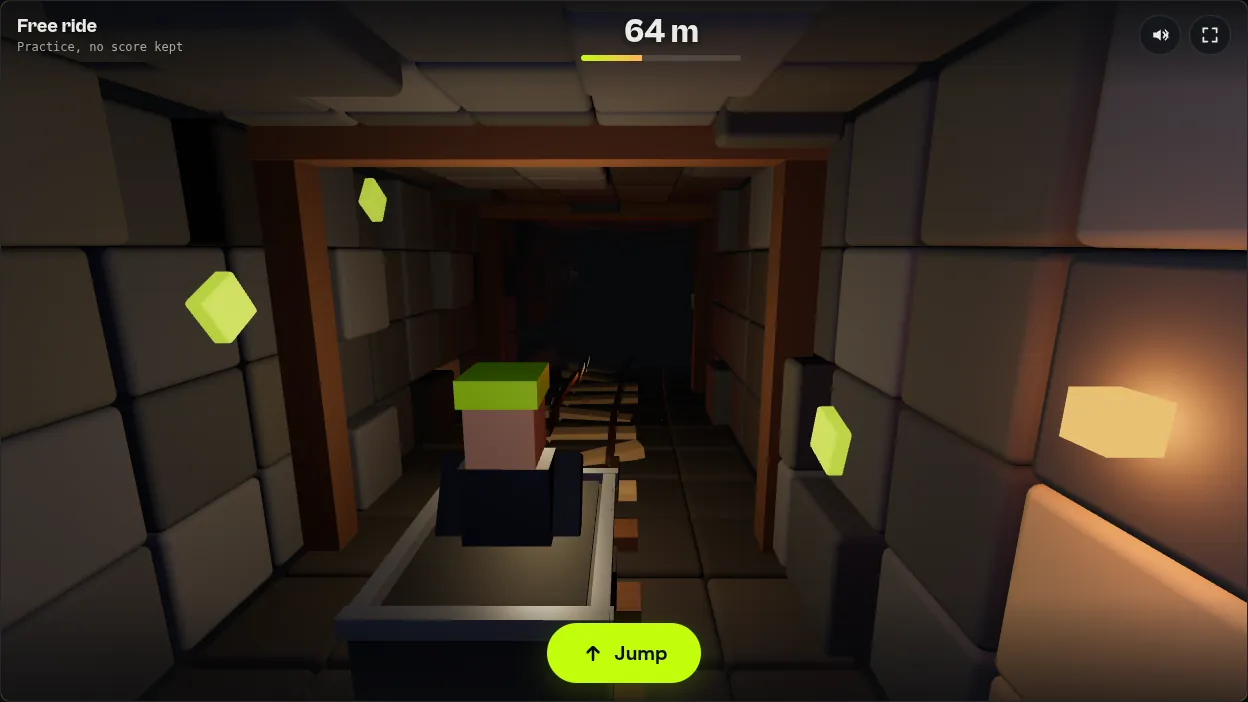
Reading the track
Your lantern lights the next stretch of tunnel and not much more. The signs that matter are all on the track itself.
| Sign | What it means |
|---|---|
| Dust falling from the roof with a creak | Sometimes a real warning that the break is a second or two away. Sometimes the mine is just settling. |
| Pale, splintered sleepers | The last stretch before the break. Jump now. |
| Rails sagging into an orange glow | The edge of the pit. Most of the time it's already too late. |
At the start of a ride the cart is slow and you get plenty of warning. Past a couple of hundred metres it is moving so fast that the cracked sleepers flash past in a moment. That is the real tension of the game: the longer you ride, the less time you have to react.
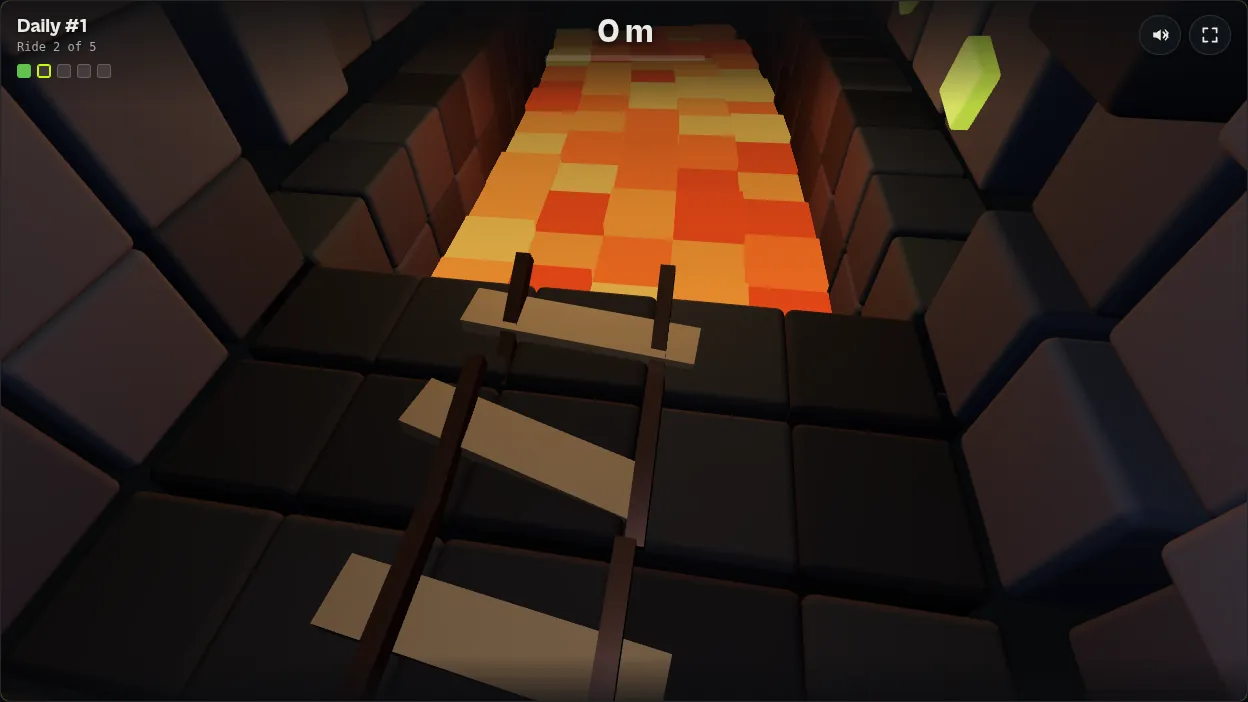
The daily track
Every day brings five rides, and every player gets the same five tracks. Add up your five distances and you have the day's total. Each ride also gets a coloured square: green for a safe jump, yellow for a close call within 15 metres of the break and red for a crash.
When you finish, you can share a short result made of the day's number, your total and the five squares. It shows how your day went without giving away where any of the tracks break. Leaving the page in the middle of a daily ride counts as a crash, so each ride gets one honest attempt.
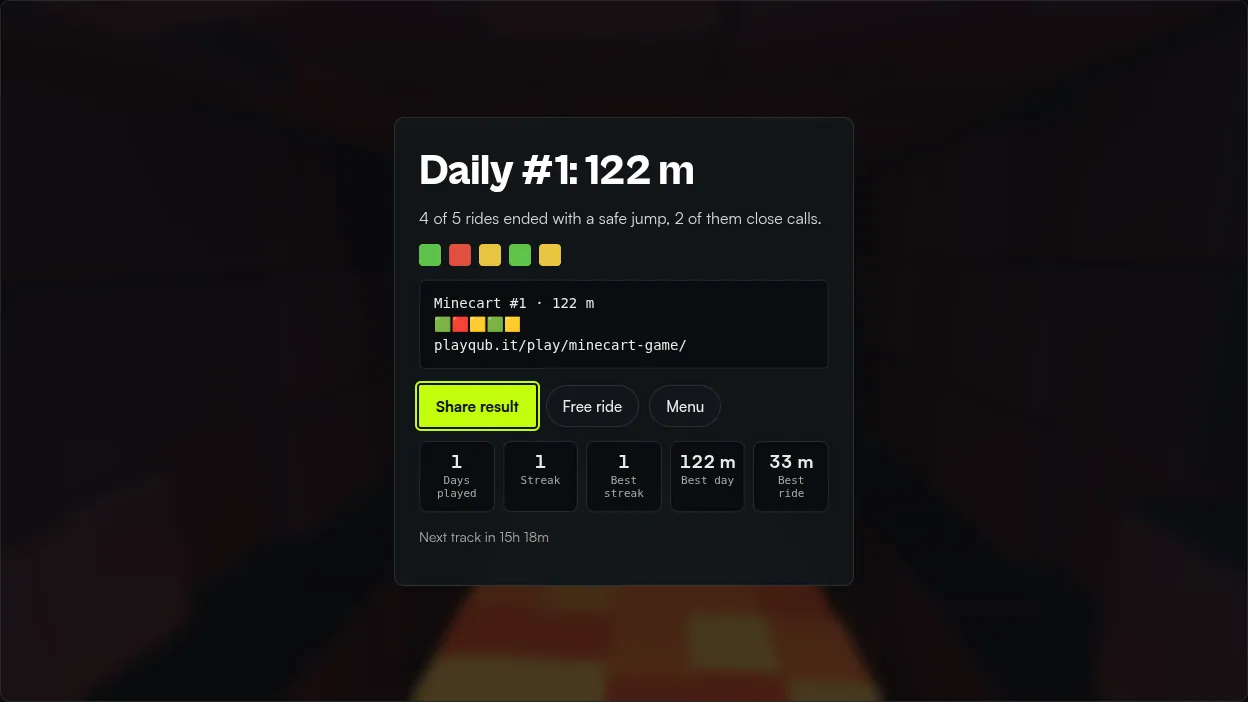
Free ride gives you random tracks with no daily limit. It keeps only your best distance and doesn't touch your streak, which makes it the place to practise reading the warnings at different speeds.
Tips for a better total
- Watch the far edge of the light. The cracked sleepers show up there first. Looking at the cart means you see them too late.
- Bank the safe rides. A 40 metre jump beats a 200 metre crash. Five steady rides usually add up to more than one big gamble.
- Don't trust the dust. The roof creaks on its own now and then. Treat dust as a reason to look harder, not a reason to jump.
- Respect the speed. Once the speed bar is mostly full, the warning lasts only a moment. Decide earlier.
Privacy and saving
Minecart needs no account and uses points only. Your rides, streak, best scores and sound setting are stored in your browser's local storage, and the game sends nothing to a server. The mine is drawn with three.js, the open-source 3D library, and every sound is generated on your device.
If you'd rather break things than dodge them, try Rubble, or play today's Daily Knap. Or go straight back to the mine and ride today's track.
Frequently asked questions
Is Minecart free?
Yes. It runs in your browser with no account, no download and no ads inside the game. It uses points only, with nothing to buy and nothing to win.
Does it work on phones?
Yes. Tap the Jump button or anywhere on the track. On a computer you can also press Space.
Is the daily track the same for everyone?
Yes. Every player gets the same five tracks each day, so you can compare totals with friends. A new set starts at midnight in your own time zone.
What happens if I close the page mid-ride?
A daily ride you leave before jumping counts as a crash and scores 0. Free ride has no such rule.
Where is my progress saved?
In your browser on the device you play on. Clearing site data or switching devices resets your stats and streak.
Facts in this article were checked against developer and store sources on 14 October 2026. Prices, versions and dates change, so confirm on the official page before you buy.